
 86 13392660243
 hope17@cnhopestar.com
 whatsapp
Complete Guide to Choosing a Computer Monitor
 2023-10-27
 Hopestar
The monitor market is generally divided into three brand tiers.
First-tier brands include Samsung, Dell, and LG. These manufacturers have strong R&D capabilities, use high-quality panels, and offer stable performance and premium user experience.
Second-tier brands such as AOC, Philips, ASUS, BenQ, ViewSonic, and Acer also maintain solid product lines. Their models often balance performance and price, making them reliable choices for mainstream users.
Third-tier brands—Xiaomi, HKC, Lenovo, KTC, Skyworth, Hisense, Huawei, and others—have the largest number of manufacturers. These brands focus heavily on cost-effectiveness and generally use the OEM “film-sticking” production model. Thanks to competitive pricing and good overall reputation, many of their displays have strong market demand.
When comparing monitors by price, we can roughly categorize them into three levels:
Below 1,000 yuan: entry-level, suitable for basic office tasks or lightweight home use.
1,000–3,000 yuan: mid-range, covering most cost-effective models that balance performance and value.
Above 3,000 yuan: high-end or flagship models, featuring advanced panels, better color accuracy, higher refresh rates, and more professional-grade specifications.
It’s worth noting that different brands offer multiple monitor lines and configurations, so performance can vary greatly even within the same price range. Therefore, choosing purely based on price or brand alone is not enough.
When selecting a computer monitor, several core parameters should be evaluated to ensure the display fits your actual needs:
1. Panel Types
IPS: known for excellent color reproduction and wide viewing angles; ideal for office work, daily use, and content creation.
TN: fast response times, often used for esports monitors, but with weaker color performance.
VA: high contrast levels, suitable for movies and immersive viewing; can be found in both curved and flat-screen designs.
2. Screen Size Options
Common sizes include 21.5", 23.8", 27", 32", and 34". Larger screens provide better multitasking and immersive viewing, while smaller screens are cost-effective and ideal for compact desks.
3. Resolution
1080p, 2K, and 4K are the mainstream levels. Higher resolutions offer sharper images and improved clarity, especially for productivity tasks.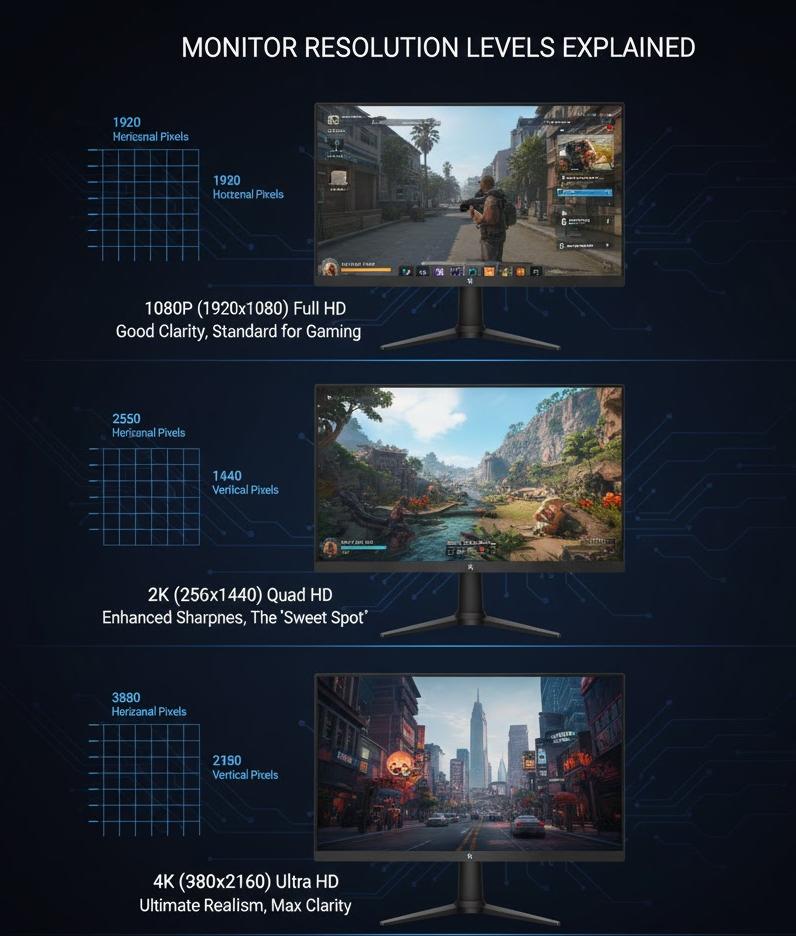
4. Refresh Rate
From basic 60Hz and 75Hz to high-refresh options such as 144Hz, 165Hz, 170Hz, 180Hz, and 240Hz. Gamers, especially FPS players, benefit significantly from higher refresh rates.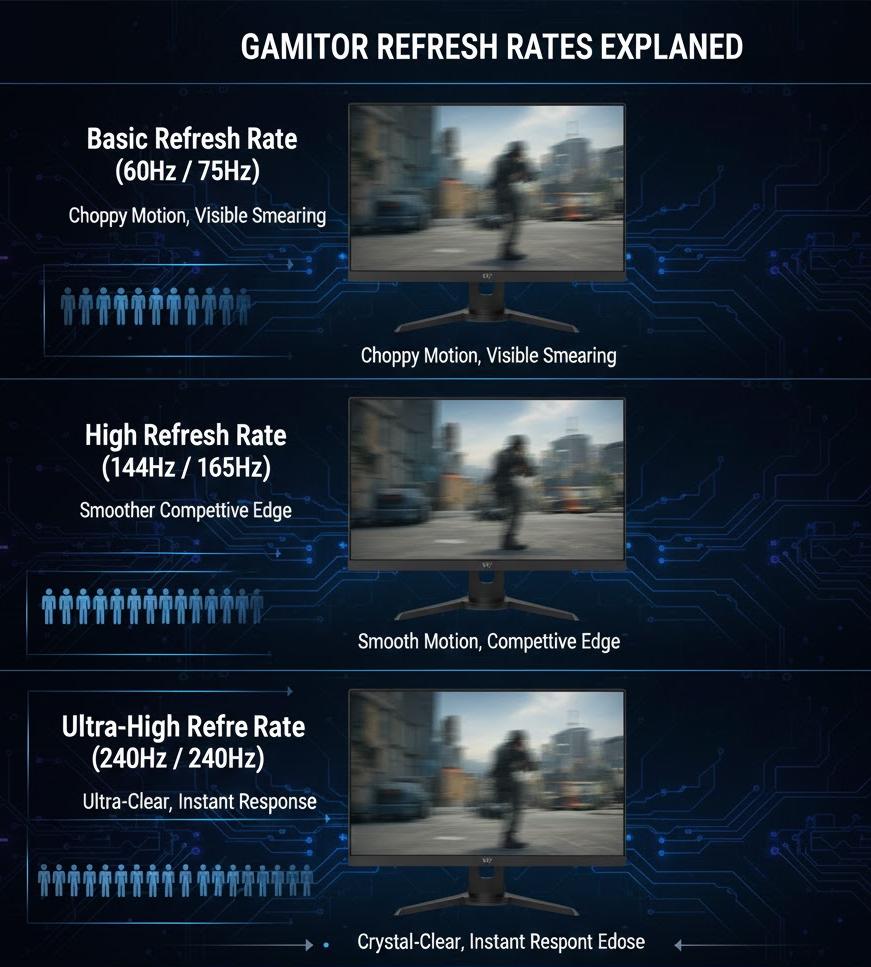
5. Response Time
Measured in GTG or MPRT (usually 1–5ms). Lower response time reduces motion blur and ghosting, especially in fast-moving visuals.
6. Adaptive Sync Technologies
FreeSync or G-Sync helps eliminate tearing and stuttering during gaming.
7. Color Performance
Includes color gamut coverage, color depth, color temperature, and the number of displayable colors. Designers and creators should prioritize wide-gamut and high-accuracy displays.
8. Value-added Features
Brightness, contrast ratio, and HDR support also directly impact the viewing experience.
9. Interface Options
VGA, DVI, HDMI, DisplayPort, and Type-C determine compatibility with PCs, laptops, and consoles.
10. Stand Adjustability
Height adjustment, rotation, tilt, and swivel functions improve ergonomics and comfort during long hours of use.
Recommended Monitor Selection Based on Use Cases
For home entertainment or everyday office work, comfort and eye protection matter more than high-end specs. Consider models that offer:
Eye-care features such as low-blue-light mode and flicker-free technology
Stable display quality without strict requirements for color gamut, color depth, color accuracy, or resolution
Sufficient ports for connecting laptops and peripherals
This type of display focuses on visual comfort and daily practicality rather than professional-grade performance.
 How to choose a gaming monitor?