 86 13392660243
 hope17@cnhopestar.com
 whatsapp
How to choose a gaming monitor?
 2023-10-27
 Hopestar
A gaming monitor is often the most overlooked—but arguably the most important—piece of hardware in any setup. Even with a high-end graphics card, if your monitor can’t deliver the right clarity, smoothness, and responsiveness, your gaming experience will never reach its full potential. For esports players, milliseconds can determine the difference between winning and losing.
This guide breaks down the key factors to consider when choosing a gaming monitor and uses the Hopestar Gaming Monitor Series as practical examples to help you find the right fit.
Why a Good Gaming Monitor Matters
Your monitor is the final gateway between your GPU and your eyes. A high-quality display enhances the entire experience by offering:
Sharper, more detailed visuals
Higher refresh rates for fluid movement
Lower response times for faster reactions
More accurate colors and improved immersion
Competitive gamers gain a real performance edge, while casual or immersive players benefit from richer visuals and a more engaging atmosphere.
Key Specifications to Consider
1. Resolution
1080p (Full HD): Budget-friendly and easy for most graphics cards to handle.
1440p (2K): The ideal balance between image clarity and performance.
4K (Ultra HD): Exceptional sharpness, but requires a powerful GPU.
Ultra-wide (3440×1440, etc.): Expanded field of view, ideal for racing, simulation, and productivity.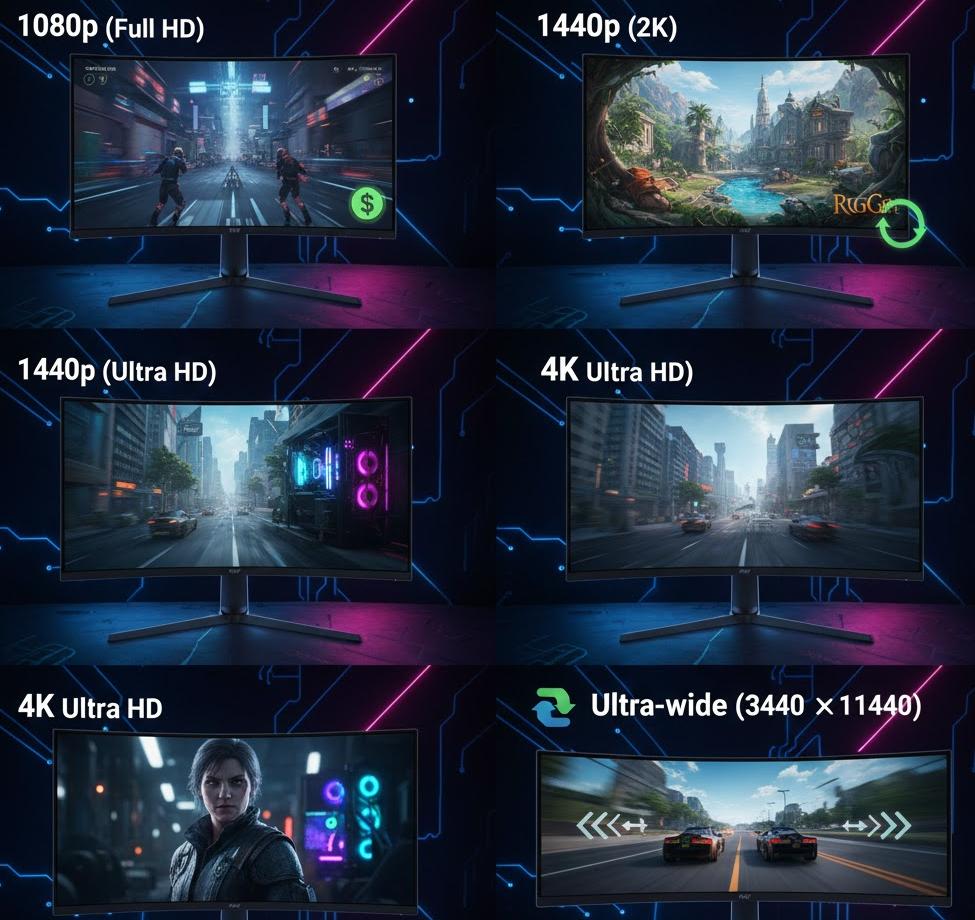
2. Refresh Rate
60–75Hz: Suitable for everyday or light gaming.
120–165Hz: A strong choice for esports beginners or mainstream competitive players.
240–360Hz: For professional-level speed and ultra-competitive gameplay.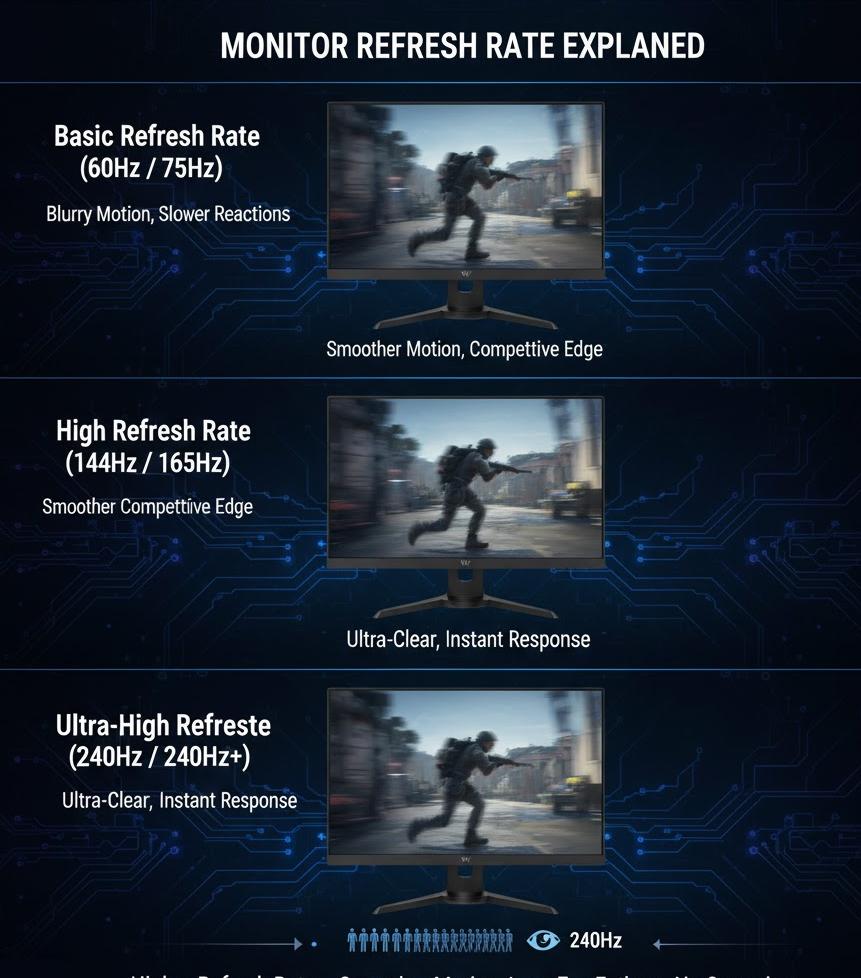
3. Response Time
1–2ms: Best for FPS, MOBA, and fast-action titles.
4–5ms: More than enough for RPGs, strategy games, or casual play.
4. Panel Type
IPS: Excellent colors and wide viewing angles.
TN: Fast and affordable, but weaker color performance.
VA: High contrast with deeper blacks, great for dark scenes.
5. Adaptive Sync
G-Sync (NVIDIA) and FreeSync (AMD) help eliminate tearing and stuttering, improving motion smoothness.
6. Size & Aspect Ratio
24–27 inches: Most common for competitive play.
32 inches and above: Ideal for immersive experiences.
21:9 / 32:9: Ultra-wide formats offering a panoramic view—great for simulators or multitasking.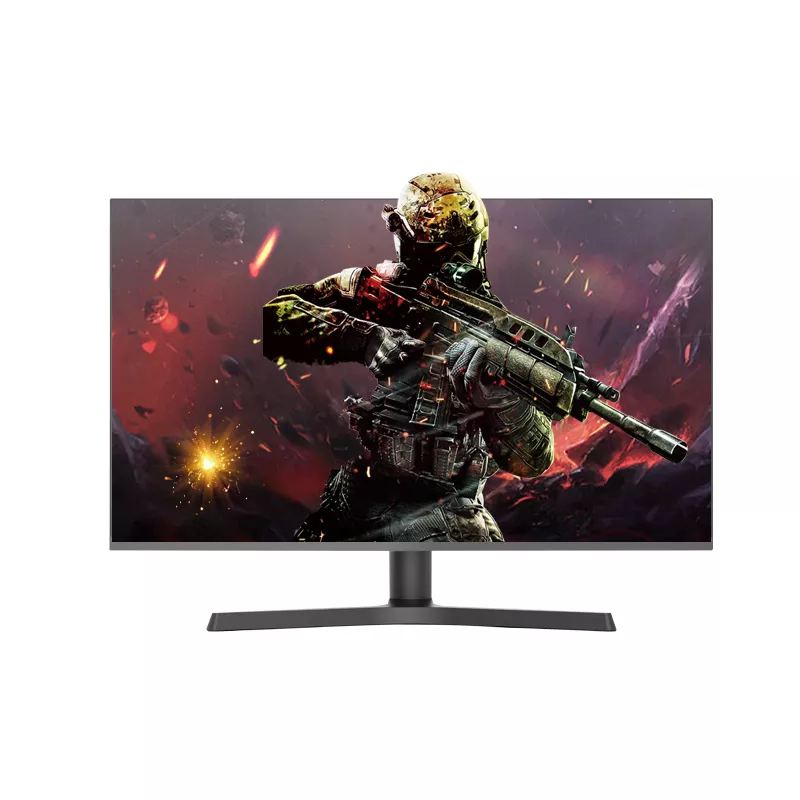
Hopestar Gaming Monitor Series Overview
To make selection easier, here’s how some Hopestar models match different gamer types:
ModelResolution / RefreshPanel / ScreenBest ForStrengthsTrade-offs
G27IDJFYJQ2K / 165HzIPS / FlatMainstream esportsStrong balance of clarity and speedRequires mid-range GPU
G27IDJQYHQ2K / 240HzIPS / FlatCompetitive playersUltra-high refresh rateDemands a powerful GPU
HP-ZQ25HF1080p / 240HzFlatBudget esportsFast and affordableLower resolution on larger screens
D322IDJUYEU1080p / 144HzCurved IPSEntry immersiveCurved screen enhances immersionLower resolution
HP-L34D63440×1440 / 120HzCurved / Ultra-wideRPG & simulation fansWide FOV, excellent for immersionSome games lack ultra-wide support
HPJ375C4K / 144HzCurved IPSHigh-end playersStunning visuals, HDRHigh price, GPU-intensive
Recommendations by Player Type
Casual Gamers:
1080p + 75–120Hz IPS (e.g., D322IDJUYEU)
Esports Players:
2K + 144–240Hz IPS/TN (e.g., G27IDJFYJQ, G27IDJQYHQ)
Immersive / Story-Driven Gamers:
2K/4K curved HDR displays (e.g., HP-L34D6, HPJ375C)
Budget Guide
Entry Level (USD 150–220):
1080p + 75–120Hz (HP-ZQ25HF)
Mid-Range (USD 300–500):
2K + 144–165Hz IPS (G27 Series)
High-End (USD 600+):
4K + 144Hz curved HDR (HPJ375C)
Buying Checklist
Before you decide, confirm the basics:
Match resolution and refresh rate to your GPU capability
Identify your main game genres
Choose your preferred panel type
Check for G-Sync or FreeSync support
Measure your desk space
Confirm ports (HDMI, DisplayPort, USB-C)
Balance refresh rate with budget and needs
Final Thoughts
The best gaming monitor isn’t the most expensive one—it’s the one that fits your playstyle, your hardware, and your budget. Whether you're aiming for competitive advantage with a fast esports screen or seeking deep immersion with a curved 4K display, Hopestar offers solutions for every type of gamer.
A great monitor doesn’t just display the game—it enhances every moment, helping you react faster, see more clearly, and enjoy deeper immersion.
 Complete Guide to Choosing a Computer Monitor